How Artists Can Actually Use AI to Run the Business Side (Not Make the Art)
Jul 03, 2026Let me guess how your last attempt at "using AI" went.
You opened about seven browser tabs to figure it out, landed on some tool that spits out fake paintings, felt a little queasy, and closed the whole thing. Same. That is not the AI I want you to touch.
Here's where most people get stuck on "AI for artists." They think it means handing your creative work to a machine. It doesn't. Your art is yours. It stays yours. What AI is genuinely good at is the pile of business tasks sitting between you and actual income, the stuff you never went to art school to do.
The problem was never your art
You are not behind because your work isn't good enough. I want you to really hear that. I know a lot of brilliant artists who are quietly convinced they just need to make more, get better, post more, and then the business will finally click. It won't. More art doesn't fix a business that has no system running around it.
I spent years teaching tech before I ever licensed a single pattern, and when I came back to art full time, I could see the exact gap. The gap is never talent. It's that nobody ever showed you the boring engine underneath a real creative business: the listings, the emails, the content, the follow-up, the stuff that turns "nice work" into "sold."
That engine is exactly where AI earns its keep.
What using AI on the business side actually looks like
Let's say you just listed a new pattern collection on Etsy. Normally that means staring at a blank description box, writing something generic, and moving on because you have forty other things to do.
Here's what happens when you put Claude to work instead. You tell it who your buyer is, what the collection is, and the vibe you're going for. It drafts the listing in your words, pulls the keywords a shopper would actually type, and gives you three title options. You edit for two minutes. Done. The art didn't change. The description around it just got a lot more findable.
That's the whole idea. AI helps with:
- Product listings and descriptions that use real search terms
- Captions and content that point back to something you sell
- Your email welcome sequence, written in your voice
- Turning one long video into a week of posts
- Keeping your business organized so you stop losing hours to chaos
Notice what's not on that list: making your art. That line never moves.
Why this matters more than another portfolio piece
Here's the simple fact. A buyer can't buy work she never finds, and she won't find it if the business side is a mess. Your visibility, your sales, your licensing conversations, all of it runs on the unglamorous systems, not on one more collection sitting in a folder.
When you let AI handle the messy business parts, two things happen. You get found more, because the words around your art finally do their job. And you get your hours back, because you're not writing every caption and email from scratch at 11pm.
What to do next (and what to stop overthinking)
Stop trying to learn "all of AI." You don't need to. Pick one tool, learn it well, and point it at one real task in your business this week. I teach Claude, one tool, deeply, the same way a Procreate teacher teaches Procreate. No tool-hopping.
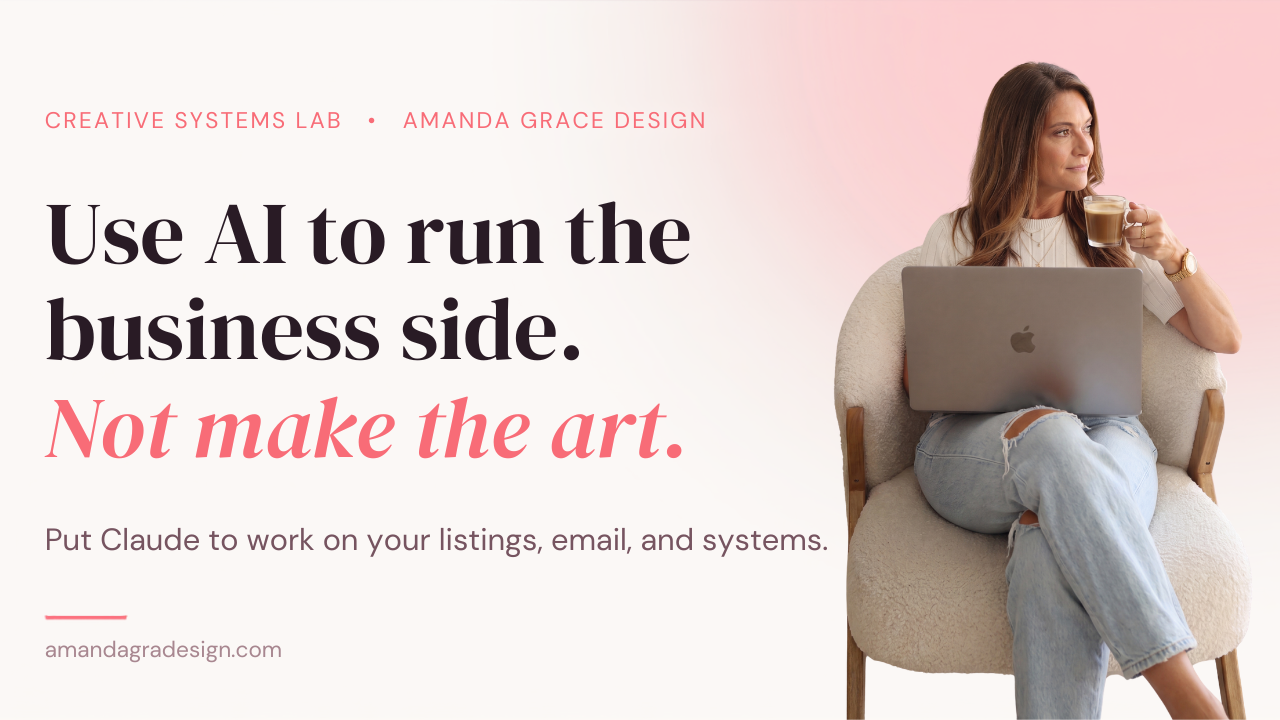
If you want to see what this looks like built live instead of explained, that's exactly what I do in Creative Systems Lab. Every session is 90 minutes, we build one real business system together in Claude, and you leave with it running.
Start with the two free ones. Session 1 sets Claude up so it actually knows your business. Session 2 is called Stop Fighting Claude, and it's the prompting formula plus your own saved prompt library, so you stop starting from a blank page.
One signup gets you both, and the recordings and materials are yours to keep.
And if what you really need is a set of eyes on your whole business instead of a build session, that's the Art Biz Audit, my 1:1 strategy call.
Start with one task. Let AI handle the messy business side so your art still sounds like you. Save this for later. You're going to need it.