The Print Approval Lab For Surface Designers
Stop Juggling Five Apps To Ship One Pattern.
Testers preview. Labs approve.
Test repeats. Drop your pattern on 29 product mockups. Watermark for socials. Export print-ready files. All in one tab. No Photoshop, no Canva, no Placeit.
Join a growing community of working surface designers · No card to start · Nothing ever leaves your computer.
See It In Action
A quick tour of what your workflow looks like inside PatternPAL Pro.
The Prep Tax
Surface designers got handed graphic-designer tools and told to be grateful. The duct-taped stack of Adobe + Placeit + Canva charges ~$53 a month to do work that should take one tab. Here's the math, verified against current 2026 list prices.
Testers preview. Labs approve.
Not A Pattern Tester. A Print Approval Lab.
PatternPAL Pro is the Browser Workspace surface designers run their business in. The only Print Approval Lab built for the post-creation work: test, scale, mockup, watermark, ship. All in one browser tab. Built for the discipline that got handed graphic-designer tools and told to be grateful.
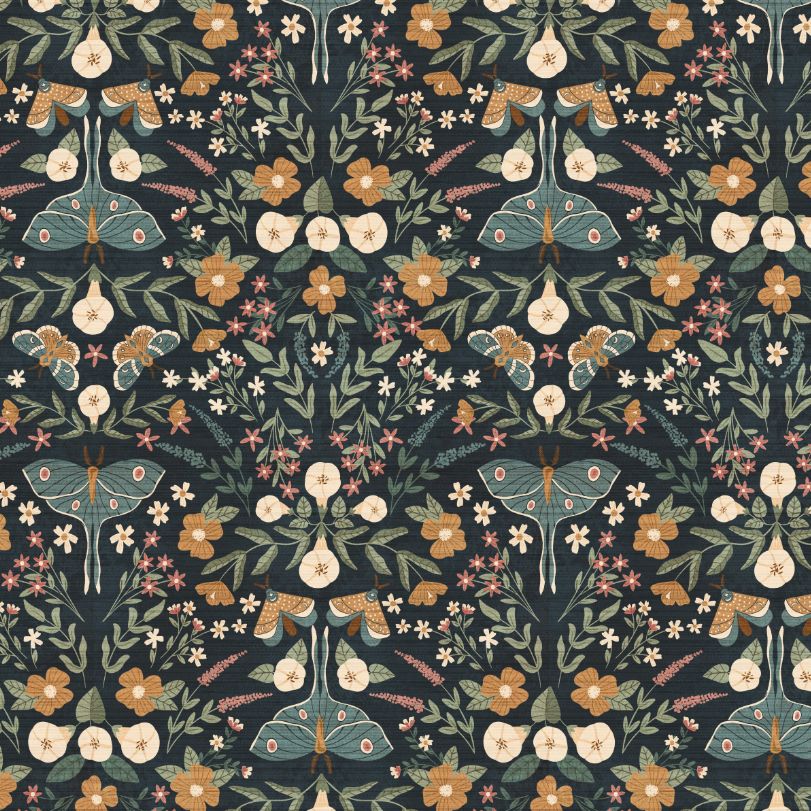
Drop in your tile. Preview the repeat at real-world print scale. Catch broken seams at 800% zoom. Drag your pattern onto any of 29 product mockups. Upload your logo for a social watermark. Batch-export 8 sizes for Spoonflower. All inside one browser tab. No Photoshop. No Canva. No Placeit. No uploads.
And no AI ever touching your art. Your patterns stay on your computer, every step of the way.
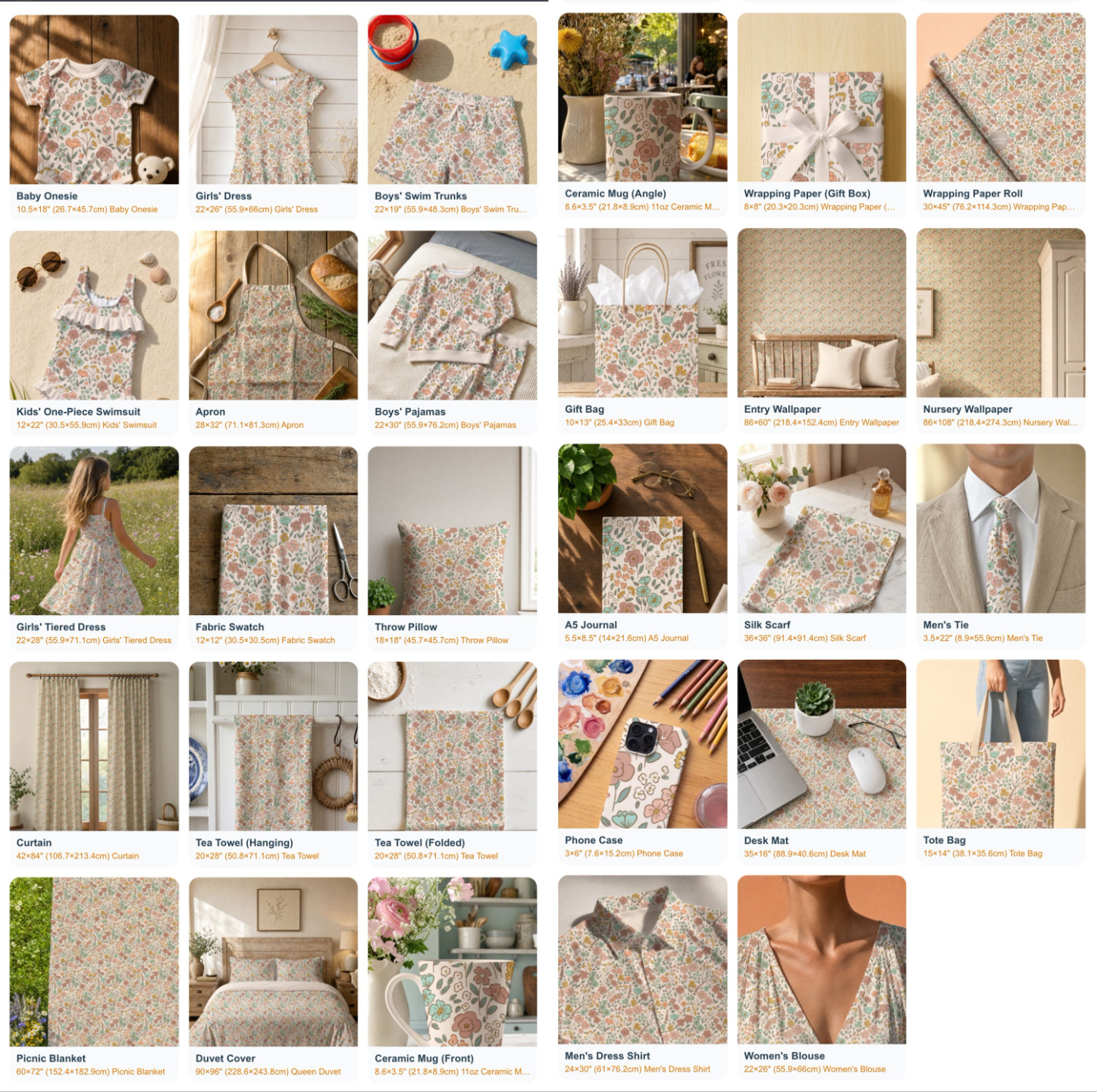
See Your Patterns On 29 Real Products
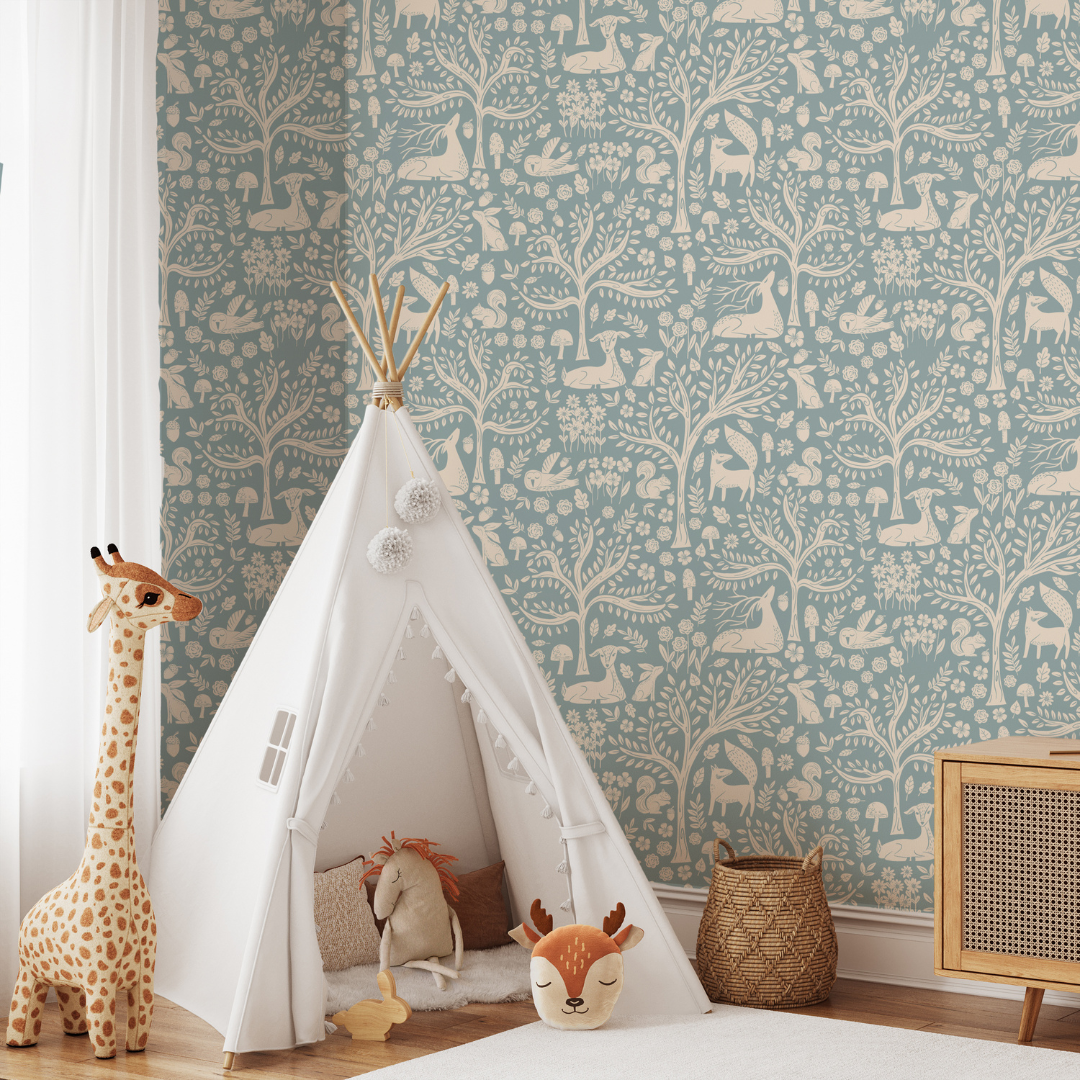
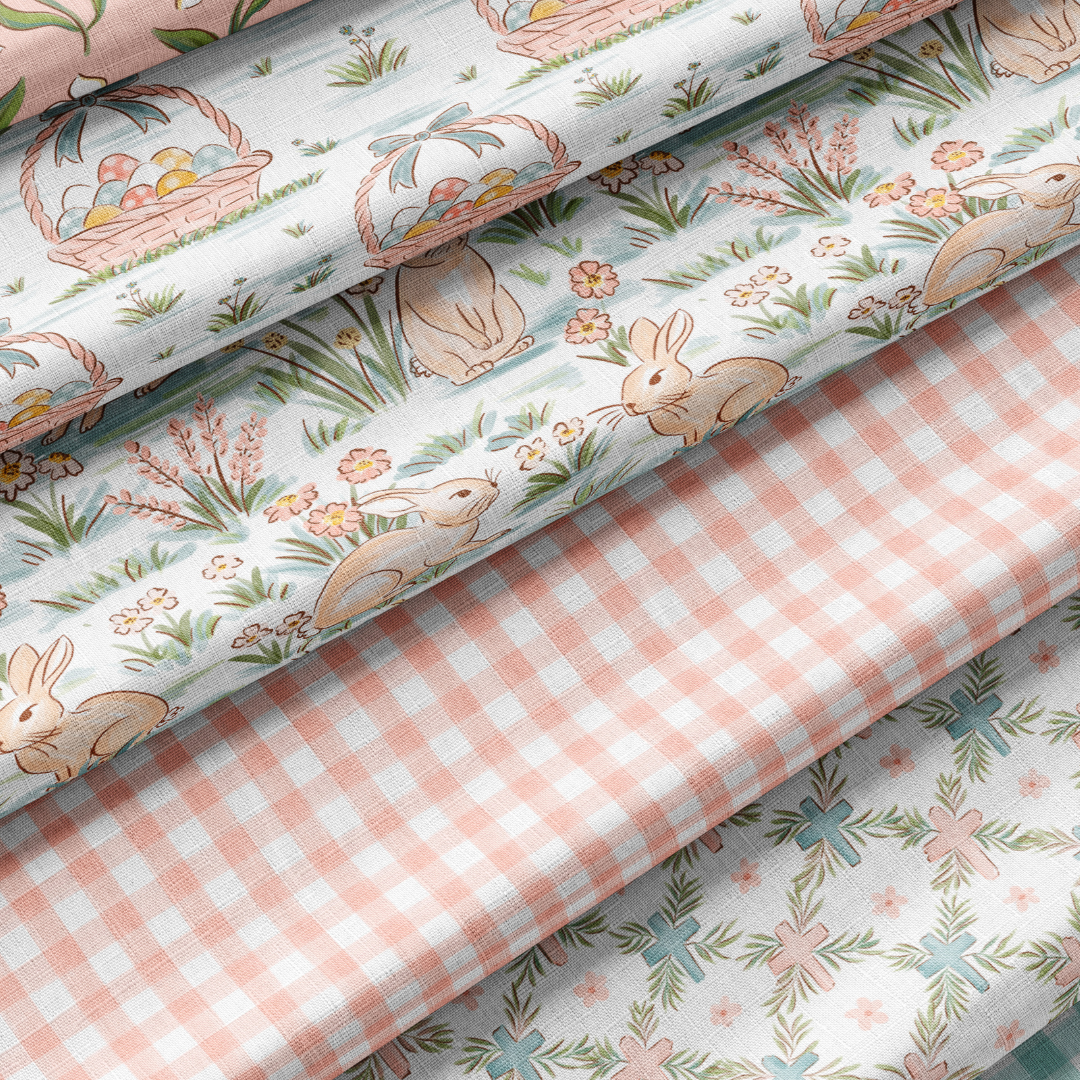
Apparel. Home goods. Wallpaper. Gifting. Stationery. Accessories. Drag your pattern onto any of them, align it exactly where you want, and export a portfolio-worthy shot. Without Photoshop. Without Placeit.
How It Works
Three steps from "I think this repeats okay" to "shop listing live, social posts queued."
Drop In Your Tile
Upload your seamless tile (JPG or PNG). Loads instantly. No waiting, no servers, no account needed for your first three tests.
Test, Mockup, Watermark
Preview the repeat at real-world scale (2"–24"). Drag your pattern onto product mockups. Upload your logo for the social watermark. Inspect seams at 800% zoom.
Export Like A Pro
Batch-export 8 print-ready sizes for Spoonflower or your manufacturer. Or grab 5 platform-ready social previews with watermark and product mockup baked in. All as one ZIP.
The Old Way vs. The PatternPAL Way
What it actually takes to get one pattern collection from sketch to shop, with and without PatternPAL.
❌ The Old Way
- Hand-test repeats in Photoshop or Procreate
- Guess at scale and export sizes
- Manually export every size, format, and DPI
- Fight the Silhouette grid bug after every upload
- Open Canva, resize for 5 platforms, add watermark, repeat
- Open Placeit, hunt for the right mockup, hope it works
- 3–5 hours per collection on resizing alone
- Cross fingers, send file, pray the repeat holds
✅ The PatternPAL Way
- Test repeats in seconds at actual print scale
- Inspect seams at 800% zoom. Catch what you'd miss at 100%
- Batch-export 8 sizes, multiple formats, multiple DPIs in one click
- Cricut and Silhouette files solved automatically
- 5 platform-ready social images with your logo watermark + product mockup baked in
- 29 product mockups built right in. Drag your pattern. Done.
- Full collection ready in minutes
- Send files knowing the repeat is rock solid
👋 Stop reading. Start testing. Your first three pattern tests are free, no account needed.
Test a pattern free →The Three Pro Features Designers Won't Go Back From
The features that turn a 3-hour prep cycle into a 12-minute one.
📱 Social Media Export
Generate 5 platform-perfect previews for Instagram, Pinterest, TikTok, Stories, and Reels with your uploaded logo watermark and product mockup overlay baked in. Pattern to post-ready in under 60 seconds.
👕 29 Mockups + Drag-to-Position
Apparel, home goods, fabric, wallpaper, gifting, stationery, accessories. Drag your pattern within any mockup to align it exactly where you want. Portfolio-ready, no Photoshop required.
📦 Easyscale Export
Batch-export 8+ sizes (or any custom size) in JPG, PNG, or TIFF at 150 or 300 DPI. Built-in upscaling protection. The Silhouette grid bug? Solved automatically.
Plus Everything Else You Need In One Tab
👁️ Pattern Preview
Instant repeat preview with Full Drop, Half Drop, and Half Brick options. Catch eyeflow issues before they cost you a print run.
📏 Real-World Scale
Preview at actual print sizes. No more surprises on fabric, wallpaper, or wrapping paper.
📐 Built-In Ruler
Measure in inches, centimeters, or pixels right on the canvas. Always know the real-world size of your tile.
🧵 4 Free Mockup Styles
Baby Onesie, Throw Pillow, Entry Wallpaper, Wrapping Paper. With drag-to-position on all four.
📄 Pattern Fill Export
Marketplace-ready 12×12" digital papers at 300 DPI for Cricut, Silhouette, and Etsy. Silhouette grid bug solved automatically.
🔍 Seam Inspector
Full-screen analysis view with smooth zoom up to 800%. The broken seam you can't see at 100%? You'll catch it here.
🎨 Pattern Analysis
Color harmony, contrast, and composition checks with built-in education. You don't just get a score, you understand the why.
🏷️ "Tested in PatternPAL" Badge Toggle
Show your work was tested properly, or switch it off for client deliverables. Your call.
I've been loading up patterns into my shop so much faster using PatternPAL.
@karen_ellendesignsPattern Designer & Shop Owner
What Designers Are Saying
Real designers, real workflows, real hours back in their week.
"Let me tell all you designers out there: BUY IT NOW!!! I cannot get over how quick it was and how much time I saved exporting 4 sizes of a 5-design collection in three colorways! Worth. Every. Penny."
"Absolutely LOVING this app! ❤️ I've been loading up patterns into my shop so much faster using PatternPAL!"
"I signed up for a subscription today, and this service is going to save me so much time going forward. It's great in every way!"
I'm Not A Tech Bro Teaching Artists. I'm A Tech Instructor Who Became One.
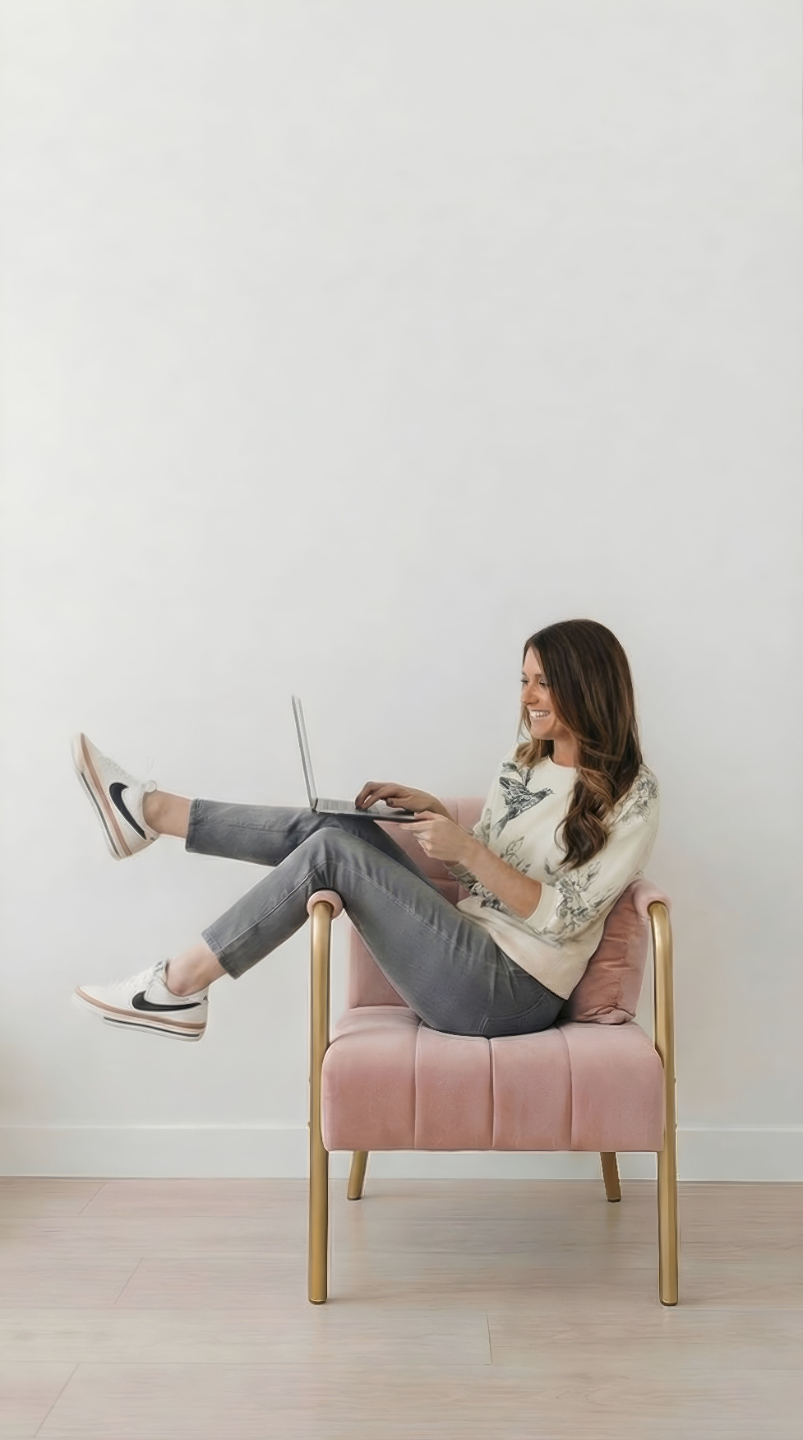
Hi, I'm Mandy 👋
I built PatternPAL Pro because I watched 2,000 students struggle with the same problems for 10 years. Broken seams. Hours in Photoshop. Scale guessing. Color confusion. Adobe wasn't going to fix it. So I did.
Background: programming degree, 25+ years in tech, a decade teaching network engineering and web design before I left the tech track to homeschool my kids and rebuild as a working surface designer. 10 years later, my patterns are licensed to major retailers, my classroom has 2,000+ students in it, and I coach 100+ designers running their own creative businesses.
PatternPAL Pro is the tool I wish I'd had when I was teaching this craft. Test, mockup, watermark, export. All in one place. Without uploads. Without Photoshop. Without AI ever touching your art.
Today, working surface designers run their whole post-creation workflow in PatternPAL Pro — and upgrade to Pro because the Prep Tax was costing them more.
Who It's For
If you're sending pattern files anywhere or selling anything you've designed, PatternPAL Pro is the workspace built for what you do all day.
Cricut & Silhouette Designers
Production-ready exports that solve the Silhouette white grid bug automatically and import at the correct size in Cricut Design Space every time.
Spoonflower & POD Sellers
Test repeats at the exact sizes Spoonflower, Printful, and Redbubble require. Then create scroll-stopping previews to send traffic back to your shop.
Digital Paper Makers
12×12" papers at 300 DPI with correct metadata and commercial-use settings so your buyers' files always import the way they should.
Textile & Wallpaper Designers
Test designs at actual print scale, analyze color and composition, and create portfolio-worthy mockups without ever opening Photoshop.
Etsy & Shopify Shop Owners
From tile to Instagram-ready product mockup in under 60 seconds. Test, mockup, watermark, present. All from one tab.
Surface Pattern Teachers
Free accounts for unlimited testing. Pro for advanced assignments. Built-in education that helps students learn the why.
Pick How You Want To Use PatternPAL
Start free. Stay free as long as you want. Upgrade when you're ready to send files to clients, printers, and shops. No credit card to begin. Cancel anytime.
Just want to kick the tires? Run a few pattern tests with no account at all — nothing ever leaves your computer.
Free Account
Make PatternPAL part of your daily design workflow.
- ✓ Unlimited pattern tests
- ✓ Full pattern repeat testing
- ✓ Easyscale at 8" and 12" (JPG, 150 DPI)
- ✓ 4 mockup styles with drag-to-position
- ✓ 1080×1080 IG/FB social export
- ✓ Clear labels on every Free vs Pro feature
No account needed to try — your first tests run instantly.
Pro
For designers sending files to clients, printers, and shops.
- ✓ Everything in Free Account
- ✓ Easyscale (8+ sizes, custom, batch ZIP, 150/300 DPI, JPG/PNG/TIFF)
- ✓ Pattern Fill Export (12×12" digital papers, Cricut + Silhouette grid bug solved)
- ✓ Social Media Export (5 platforms with logo watermark + mockup baked in)
- ✓ All 29 product mockups (drag-to-position on every one)
- ✓ Seam Inspector (full-screen, 800% zoom)
- ✓ Pattern Analysis (color harmony, contrast, composition + education)
- ✓ "Tested in PatternPAL" badge — toggle on for distribution, off for client work
Trusted by working surface designers shipping real collections.
Cancel anytime from inside the app. No contracts. Keep access through the end of your billing period.
Frequently Asked Questions
A pattern tester previews a repeat. That's it. There are a dozen free ones online and they all do the same thing.
A Print Approval Lab is the full pre-publication pipeline: test the repeat, scale it for every platform, mockup the product, watermark for socials, export print-ready files. The work between "I drew a pattern" and "I sold a pattern." Testers preview. Labs approve.
PatternPAL Pro is the only tool currently built to be a complete Print Approval Lab. Not sure if you need one? Take the Print Approval Lab Audit and find out.
Photoshop and Procreate are great for creating patterns. They're terrible for the production work that comes after. Testing repeats at multiple scales, batch-exporting 8 sizes at different DPIs, building product mockups, watermarking for socials, generating platform-specific export files.
PatternPAL doesn't replace your design tool. It replaces the 3-5 hours of busywork after you've designed the pattern. Most Pro users keep designing in Photoshop or Procreate and use PatternPAL for everything that happens next.
No. Your pattern never leaves your computer. PatternPAL Pro is entirely browser-based. All processing happens on your device. Files aren't uploaded to a server, AI never analyzes them, and nothing is stored.
When you close the browser tab, your pattern is gone. Especially important if you're protecting proprietary designs or working under NDA.
Not at all. The Free Account is unlimited and free forever. Test patterns, preview at print scale, use Easyscale at 8" and 12", and drop your work on 4 mockup styles without paying a cent. Upgrade only when you're ready to sell, license, or send files to manufacturers.
A lot of designers stay on the Free Account for months before going Pro. No pressure, no expiration.
Free includes: Easyscale at 8" and 12" (JPG, 150 DPI), 4 mockup styles (Baby Onesie, Throw Pillow, Entry Wallpaper, Wrapping Paper) with drag-to-position on all four, 1080×1080 social export for Instagram and Facebook, full pattern repeat testing (Full Drop, Half Drop, Half Brick), real-world scale preview, eyeflow check, ruler. Anonymous gets 3 tests. A free account gets unlimited.
Pro adds: Sizes beyond 8" and 12" (custom + 2", 4", 6", 10", 18", 24"), 300 DPI, PNG, TIFF, batch ZIP, Pattern Fill Export for Cricut and Silhouette (solves the grid bug), all 29 mockups, the logo watermark, social sizes beyond 1080 (1080×1350, 1080×1920, Pinterest, FB Cover), Seam Inspector at 800%, Pattern Analysis (color harmony, contrast, composition), and the ability to toggle the "Tested in PatternPAL" badge off for client work.
Upload your logo file (PNG, transparent PNG, or JPG). Two controls: size slider and opacity slider. Position is fixed bottom-center. That's it. No fonts to pick, no color decisions, no fiddling.
The logo is session-only and never saved to your account or any server. Privacy first. Re-upload each session, knowing your brand assets stay on your computer.
A small badge that appears on social media exports and product mockup overlays. Three position options (bottom-right, bottom-left, top-corner), gold or navy.
On Free accounts, the badge is always on. On Pro, you can toggle it off for client deliverables. Tooltip on the toggle: "Show your work was tested properly. Toggle off for client deliverables."
Yes, and this is one of my favorite Pro features. PatternPAL Pro exports are built for both platforms:
- Pattern Fill Export creates 12×12" digital papers in Cricut and Silhouette-ready formats
- Smart rendering eliminates the Silhouette Studio white grid line issue automatically
- Correct DPI metadata means files import at the right physical size in Cricut Design Space every time
- Commercial-ready indicator tells you when files are marketplace ready
Whether you're making digital papers for scrapbooking or fabric designs for POD, you'll get production-ready files.
Easyscale creates multiple pattern sizes in one batch. Pro: 8 preset sizes (2"–24") or any custom size in inches, centimeters, or pixels. Format (JPG, PNG, or TIFF). DPI (150 or 300). Built-in upscaling protection warns you if a size would lose quality. Half Drop and Half Brick tiles auto-convert to Full Drop for POD platforms that require it.
Hit export and everything downloads as a single ZIP. What used to take 3–5 hours in Photoshop takes about 60 seconds.
Free includes 8" and 12" Easyscale at JPG, 150 DPI for Print on Demand and Spoonflower.
Pro feature that generates correctly-sized pattern preview images for Instagram, Pinterest, TikTok, Stories, and more, with your uploaded logo watermark and a product mockup overlay baked in. No Canva, no Photoshop, no manual resizing.
5 platform-optimized sizes. Per-platform scale controls. Logo watermark (size + opacity). Optional product mockup overlay, with a different mockup per platform if you want.
Export one or all five at once. Multi-size downloads come as a ZIP. Tile to professional, branded, platform-ready content in under 60 seconds.
Free includes the 1080×1080 square for Instagram and Facebook.
29 mockups total, organized by category:
- Apparel: Baby Onesie, Girls' Dress, Girls' Tiered Dress, Boys' Swim Trunks, Boys' Pajamas, Kids' One-Piece Swimsuit, Apron, Men's Tie, Men's Dress Shirt, Women's Blouse
- Home Goods: Throw Pillow, Curtain, Picnic Blanket, Duvet Cover, Ceramic Mug (Front + Angle), Tea Towel (Hanging + Folded)
- Fabric: Fabric Swatch, Silk Scarf
- Wallpaper: Entry Wallpaper, Nursery Wallpaper
- Gifting: Wrapping Paper (Gift Box), Wrapping Paper Roll, Gift Bag
- Stationery: A5 Journal, Desk Mat
- Accessories: Phone Case, Tote Bag
Every mockup supports drag-to-position so you can align the pattern exactly where you want on the product.
Free includes 4 of these: Baby Onesie, Throw Pillow, Entry Wallpaper, Wrapping Paper — drag-to-position works on all four.
Yes. No contracts, no hidden terms. Cancel your Pro subscription anytime from inside the app and you'll keep access through the end of your billing period.
Absolutely. PatternPAL Pro is built for commercial use. Export your patterns and sell them on Etsy, Spoonflower, Cricut Design Space, or use them in your own product lines. The tool is just for testing and exporting. The design is 100% yours.
Ready To Stop Paying The Prep Tax?
Run your first pattern through PatternPAL right now. Three tests free. No credit card. No account required. See the difference before you decide a thing.