Writing a Welcome Sequence with Claude That Actually Sounds Like You
May 17, 2026When I launched Creative Systems Lab, I built the whole welcome sequence with Claude.
The job was simple to describe and hard to do: the second someone signs up, I want them to land in a sequence of emails that does three things. Tells them they're in good hands. Explains what CSL actually is (and what it's not). And quietly makes them want to show up live.
I want to walk you through exactly how I wrote it. Not because welcome sequences are some mysterious dark art, but because most artists I know either don't have one at all, or have one that reads like it was generated by an extremely polite robot who has never met them.
Here's how I did mine.
Why most welcome sequences sound awful
Real talk: most artist welcome sequences I read sound like… nothing. They open with "Welcome to my newsletter!" They explain what the artist does in third person. They beg for engagement ("Reply and tell me what you'd love to learn!"). They wrap up with a giant list of links to every product the artist has ever made.
That's not a welcome sequence. That's a tour of a museum where every room is dimly lit and the docent keeps clearing her throat.
A welcome sequence is supposed to do one thing: take a stranger who just trusted you with their email address and make them feel like they made the right call. That's it. Not sell. Not pitch. Make them feel seen.
When you let AI write that without giving it the right setup, you get the museum docent. When you set it up correctly, you get something that actually sounds like you, your stories, your humor, your specific way of explaining things, landing in someone's inbox at exactly the moment they're ready to receive it.
The setup is the whole game. Let me show you mine.
Step 1 — I loaded Claude with my context first
Before I asked Claude to write a single word, I loaded a Claude project with everything Claude would need to sound like me. Not "kind of like me." Like me.
What went into the project:
- My write-like-me voice guide: phrases I use, phrases I never use, the rhythm of my sentences
- My brand bible: what CSL is, what it isn't, who it's for, the non-negotiable framing
- My audience notes: the specific person I'm writing to (surface pattern designers, creative business owners, the woman juggling a shop and three kids)
- A few of my best past emails that I'd want any new email to feel like
- My origin story (the programmer-turned-surface-designer arc) so Claude can reach for the right anecdote when it fits
Loading this took me 30 minutes. Once. After that, every email I draft starts from a Claude that already knows who I am.
This is the one step that separates "AI wrote my emails and they sound generic" from "AI wrote my emails and people are replying to tell me they almost cried."
Step 2 — The 5-email structure I built
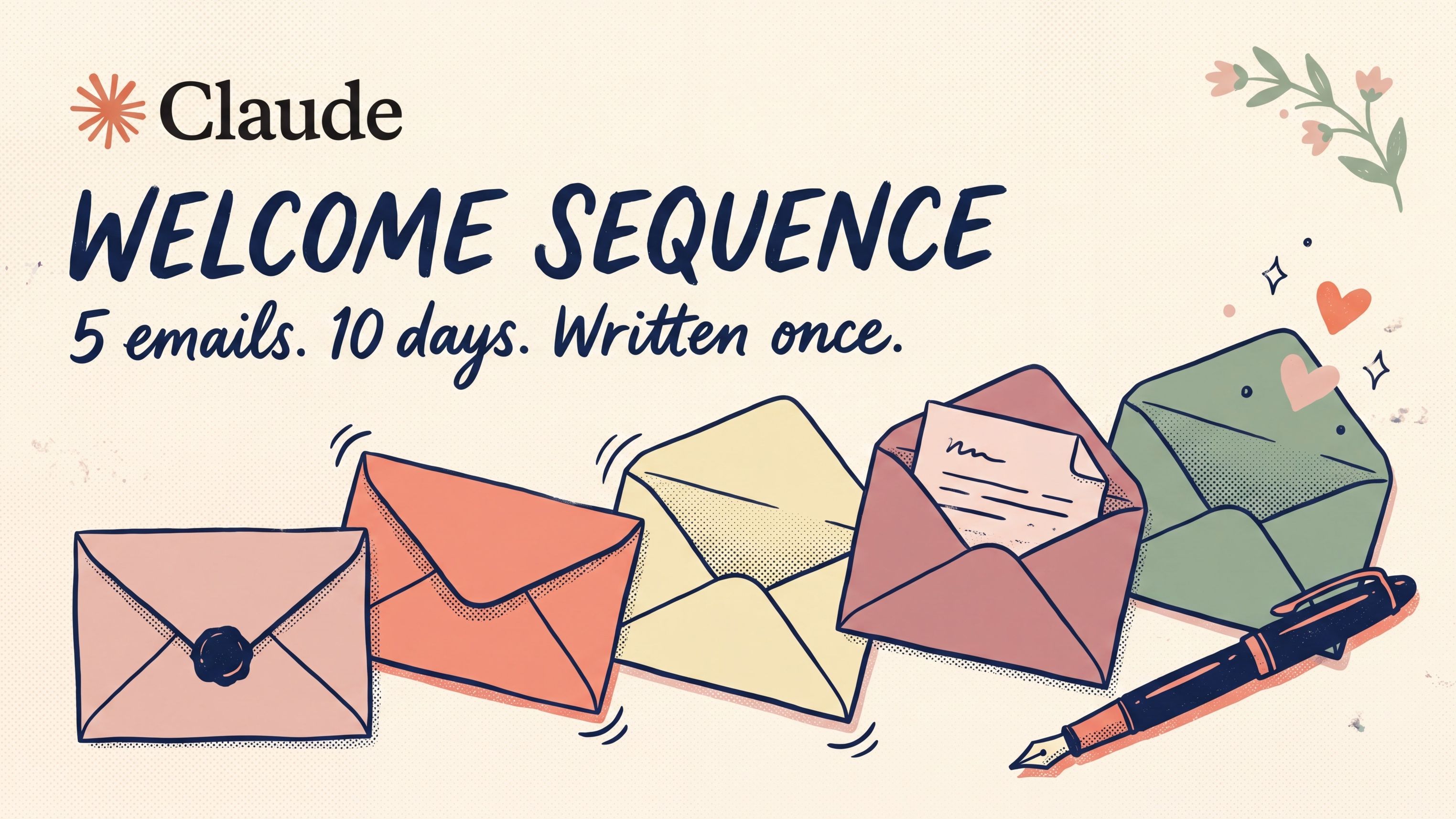
Here's the actual sequence. Five emails over ten days. Each one with a single job.
Email 1 — "You're in. Here's what just happened."
Sent: Day 0 (immediately after signup)
Confirms the subscriber is on the list. Sets the expectation for what's coming. Drops the one non-negotiable framing CSL has: this is not about generating art with AI, it's about using AI to run the business around your art. (If I let that confusion sit for ten days, I lose people.)
Soft P.S. with a "while you wait" freebie download. Don't sell anything in email 1. Just confirm + set the tone.
Email 2 — "Why Claude (and not ChatGPT)"
Sent: Day 2
The brand-positioning email. Most of my list is using either nothing or ChatGPT, and the moment they hear CSL is built on Claude, the question is going to come up. Better to answer it now, in my voice, before someone else's "best AI tool roundup" tries to.
Short and direct. Links to the longer blog post for the curious. Plants the first seed about Session 1.
Email 3 — "The Monday I stopped dreading"
Sent: Day 5
The emotional email. This is where I tell the real story: the version of my Monday mornings where I'd open my laptop, get sucked into email and DMs, and look up at 9:45 having touched zero of my actual work.
If the reader has lived that Monday, this email lands. They feel seen. That feeling is what builds the relationship. Way more than any list of features I could send them.
Email 4 — "What you'll actually build in Session 1"
Sent: Day 8
Now I get specific. What's the session, what will they walk away with, how long is it, why it's free. By Day 8, they trust me enough to look at the offer. By Day 8, they also want specifics. What exactly am I signing up for?
This email is the bridge between "I like Mandy" and "I'm going to show up."
Email 5 — "One last thing before Session 1"
Sent: Day 10
The permission email. By now, the AI-curious creative reading my emails has one quiet fear sitting underneath the curiosity: "What if I lose what makes me, me?"
This email addresses that. Directly. No dancing around it. Then it ends with a single calm CTA: see you there.
That's the sequence. Five emails. One job each. Story arc that goes: orientation → trust → emotional connection → specifics → permission to show up.
Step 3 — The prompt I use for each email
Once Claude has the project context loaded, the prompt for each individual email is short. Here's what I actually type:
I'm writing Email 3 in my welcome sequence. It's the emotional email — "The Monday I stopped dreading." The job: tell the story of what my Monday mornings used to look like (lost to email, DMs, getting nothing real done) and how the Claude Monday-planning workflow changed it. The reader should finish this email feeling seen and a little hopeful. Subject line: "The Monday I stopped dreading." Length: 250–350 words. End with one sentence that quietly teases Session 1 — don't pitch, just plant a seed. Sign off "xo, Mandy."
That's the whole prompt. Claude already knows my voice, my audience, my product. So the prompt only has to describe the job of this specific email.
Claude drafts. I edit. Done in 15 minutes per email.
Step 4 — The edit pass (do not skip this)
I cannot stress this enough: never send the first draft.
Claude writes a really good first draft. But there's always something. A turn of phrase that's almost mine, a transition that's a bit too smooth, an example that's generic where my real one would be specific. The edit pass is where you take "this could be from any artist" and turn it into "this is unmistakably from Mandy."
My edit checklist for every email:
- Read it out loud. If I wouldn't say it that way, I rewrite it.
- Add one specific detail Claude wouldn't know. A real anecdote. A name. The actual time of day. Cheeseball the cat staring at me while I drink coffee. The detail is what makes it real.
- Cut anything that smells like a corporate newsletter. ("In today's digital landscape." "We're so excited to." "Click here to learn more.") If I see it, it dies.
- Check the one job. Is this email doing the ONE thing it's supposed to do? If it's the emotional email and I tried to sneak in a soft pitch, cut the pitch.
The whole edit takes me about 10 minutes per email. With Claude's draft + my edit, a full email goes from blank page to ready-to-schedule in 25 minutes.
For a 5-email sequence, that's just over 2 hours total. Compare that to the previous version of me, who would've spent 2 hours on the first email alone, then ghosted the project for three months because "I'll get to it."
What this buys back
If I'd written this sequence the old way (alone, from scratch, agonizing over every sentence) there's a real chance it never would have shipped at all. The blank-page paralysis on email 1 alone would have eaten an entire afternoon.
Instead the sequence went live, scheduled, and it has been quietly working in the background ever since, while I do the things only I can do: showing up for my coaching clients, recording podcast interviews, being in the room when my teenagers get home from school, and actually being in Procreate making the next collection.
That's the unlock. Not "AI wrote my emails." But "AI helped me finally ship the emails I should've shipped two years ago."
Want to see it live?
If you're reading this and thinking "I want to build a welcome sequence like this for my own list"... that's exactly what we do in Creative Systems Lab.
Start with the first two sessions. Session 1 sets Claude up so it knows your business. Session 2 gives you the prompting formula and your own saved prompt library. Those two things are what make every email after this sound like you instead of like a robot.
Both are free. One signup, and the replays and materials are yours to keep. (And yes, you'll land in a version of the exact sequence I just walked you through. Live experiment in the wild.)
And if you want the prompts I plug into Claude every week (content planning, pitch emails, collection planning, weekly review) they're in my free 10 AI Prompts download.
xo,
Mandy
P.S. I write a weekly Eduletter on art, tech, and creative business. 3, 2, 1… Let's Design drops every Thursday. Free, no fluff. (And yes, written every week with the same project setup I just walked you through.)