How I Use Claude to Write Every Spoonflower Description in 20 Minutes
May 17, 2026Quick math: I have over 400 designs in my Spoonflower shop, each in multiple scales, for a total of around 1,300 listings.
If each listing takes me 45 minutes to write (title, description, color choices, 13 tags) that's 300 hours of work for the designs alone. Three hundred hours of staring at a blank text field trying to come up with one more way to say "soft floral pattern in muted tones."
I'd rather be designing.
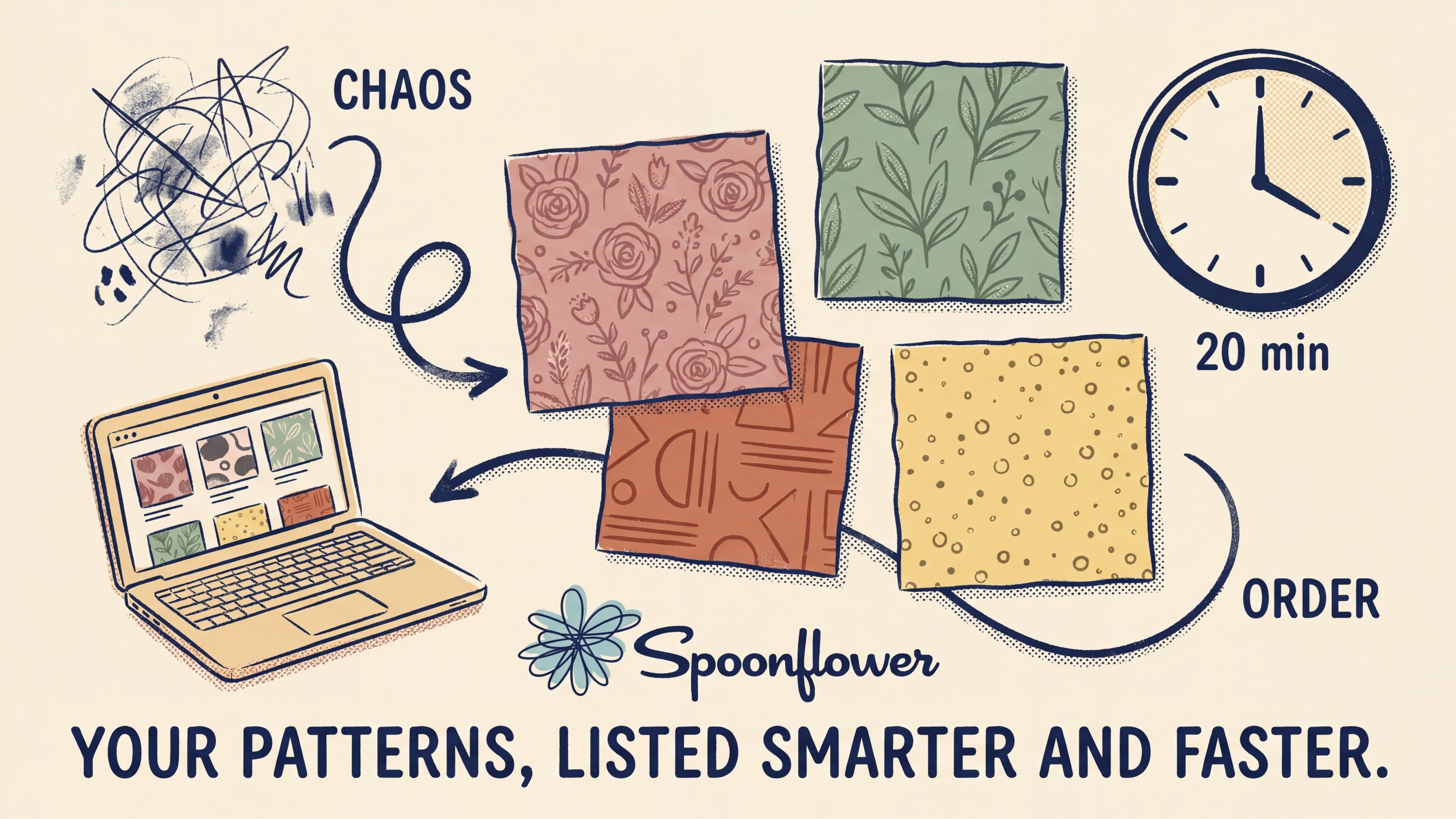
So a year ago I built a system. Now every new Spoonflower listing (title, description, tags, the whole thing) takes me about 20 minutes from upload to live. It uses one Claude prompt, one naming formula I figured out the hard way, and a 13-tag structure that follows what Spoonflower's algorithm actually rewards.
Here's the whole thing.
Why Spoonflower listings are weirdly hard
Real talk: writing one Spoonflower listing isn't hard. Writing the hundredth one in a way that's still discoverable, still on-brand, and still distinct from the other ninety-nine you've already listed? That's where most artists quit.
The trap I watched myself fall into for years:
- I'd describe what the pattern looked like to me (moody, romantic, painterly) instead of how a shopper would search for it
- I'd reach for poetic color names like "blush whisper" and "sage dream" instead of words anyone has ever typed into a search bar
- I'd use the same eight adjectives across every listing ("charming," "delicate," "elegant", you know the ones), then wonder why nothing was ranking
The shift that fixed all of this came from one realization: Spoonflower search is a search engine, and search engines need keywords, not vibes.
A shopper looking for fabric doesn't type "an ethereal botanical reverie." She types "vintage rose fabric by the yard." The closer your title and tags match how she actually searches, the more your designs surface. That's the whole game.
The naming formula I use for every design
After a lot of trial and error (and a lot of redoing listings I'd already finished), I locked in a three-part formula. Every Spoonflower title now follows this structure:
Technique or Style + Main Motif + Color or Palette
That's it. Three parts. Every time.
Examples from my own shop:
- Watercolor Daisies in Sage and Cream
- Block Print Botanical in Terracotta
- Hand-Drawn Stripes in Dusty Rose and Mustard
- Painterly Floral in Burnt Orange and Olive
Notice what's not in those titles:
- No "fabric," "wallpaper," "gift wrap." That's product type, not what shoppers search
- No "Spoonflower." They're already on Spoonflower
- No fancy color names. "Blush whisper" doesn't get found. "Dusty rose" does
- No mood adjectives in the title. Those go in tags
Keep it under 60 characters. Three parts. Move on.
The 13-tag formula
Spoonflower lets you add 13 tags. (As of when I'm writing this. They tweak things, so always check.) Most people use them like an afterthought, scattering whatever pops into their head. That's a missed opportunity.
I structure mine the same way every time:
- 3 color tags: common color names, dominant and accent (terracotta, sage green, cream)
- 2 to 3 motif tags: primary and secondary subjects (botanical, floral, leaves)
- 1 to 2 layout/scale tags: ditsy, tossed, small scale, large scale, repeat
- 1 to 2 style tags: vintage, cottagecore, boho, modern, mid-century
- 1 to 2 mood tags: calm, cozy, cheerful, moody, romantic
- 1 to 2 context tags: nursery, fall, kitchen, kids, holiday
13 tags. Six categories. Every time.
Three rules to avoid the tag traps:
- Don't repeat words from your title. If "vintage" is in the title, don't waste a tag slot on it
- Skip generic adjectives: "pretty," "fun," "beautiful," "design." They tell the algorithm nothing
- Skip product or platform words: "fabric," "wallpaper," "Spoonflower." Already implied
The Claude prompt I actually use
Here's where the 20 minutes happens. I open Claude. I drop in the design image. I paste this prompt:
You are my Spoonflower Naming Assistant. I will upload a seamless pattern design image. Analyze the image visually, then follow these rules exactly:
NAMING. Use this formula: Technique or Style + Main Motif + Color or Palette. Keep it under 60 characters. Use one clear technique (watercolor, vintage, hand-drawn, block print, painterly, boho, modern). Use one main motif. Use 1 to 2 common color names. No product types (fabric, wallpaper) or platform names. Shopper-friendly, natural, as if typed into search.
TAGS. Generate exactly 13 lowercase tags, comma-separated. Do not repeat any words from the title. Include: 3 color tags (dominant + accent), 2 to 3 motif tags, 1 to 2 layout/scale tags (ditsy, tossed, small scale, large scale), 1 to 2 style tags (vintage, cottagecore, boho, modern), 1 to 2 mood tags (calm, cozy, cheerful, moody), 1 to 2 theme tags (nursery, botanical, fall, spring, kids, kitchen).
Avoid: product/platform terms, generic adjectives (pretty, fun, design), duplicate tags, obscure color names.
OUTPUT FORMAT:
Name: [Final Title]
Tags: tag1, tag2, tag3, tag4, tag5, tag6, tag7, tag8, tag9, tag10, tag11, tag12, tag13
That's the prompt. Drop in the image, get the output, copy-paste into Spoonflower. Done in two minutes per design.
(The other 18 minutes is for the actual listing: uploading, choosing scale options, setting your collection. Claude isn't doing that part.)
The description Claude writes (and what to edit)
For the description itself (that 100-ish-word blurb) I use a follow-up prompt:
Now write a 100-word Spoonflower listing description for this same design. Mention the technique, the motif, the colors, the mood. Suggest 2–3 use cases (fabric, wallpaper, gift wrap, accent pillows, kids' room). Sound like a shopper would describe it, not an art critic. No fluff adjectives like "stunning" or "gorgeous."
Then (and this is the part nobody mentions) I always edit it. Always. AI gives you a clean structure. You give it the voice. Spoonflower descriptions all sound the same when artists copy-paste AI output; mine sound like me because I take the draft, swap two sentences, drop in one specific use case I actually used the pattern for, and ship.
Two minutes of editing per listing. Worth it.
The bigger system this fits into
This isn't just a one-off prompt trick. The Spoonflower workflow is part of a weekly rhythm I follow:
- Monday: upload 2 new designs (with this exact prompt)
- Tuesday: optimize 3 to 5 older listings (titles, tags, scale variants)
- Wednesday: build or update one collection
- Thursday: add 1 to 2 scale variants (mini/large versions of existing patterns)
- Friday: review what's ranking, what's trending, what to copy next week
That's the system. AI runs the writing. I run the strategy. The shop runs while I'm in Procreate making the next collection.
(If the rest of the weekly rhythm interests you, I wrote about it here.)
What this buys back
Before the system: 45 minutes per listing, 8 listings a month if I forced myself. Always behind. Always stressed.
After: 20 minutes per listing, 8 listings a week comfortably. The shop grew faster in the last 6 months than the previous two years combined. Not because I'm a better artist, but because I'm finally putting work in front of buyers instead of letting it sit in my Procreate files waiting for me to "find time" to write a description.
That's the unlock. The art was always there. The system was the missing piece.
Want me to walk you through it live?
If you want to build this kind of workflow in your own Claude (your designs, your voice, your shop) start where I start everyone: the first two sessions of Creative Systems Lab.
Session 1 sets Claude up so it actually knows your business. Session 2 gives you the prompting formula and a saved prompt library, which is exactly what makes a prompt like the one above work on your shop instead of mine.
Both sessions are free. One signup, and the replays and materials are yours to keep.
And if you want 10 more prompts I use weekly (content planning, pitch emails, collection planning, weekly review, the whole rhythm) they're in my free download. (The Spoonflower one above is a deeper, platform-specific build; the freebie covers the cross-platform stuff.)
👉 Grab the free 10 AI Prompts →
xo,
Mandy
P.S. Want a weekly tip on art, tech, and creative business in your inbox? My Thursday Eduletter 3, 2, 1… Let's Design is free, weekly, no fluff.