10 AI Prompts I Actually Use Every Week to Run My Creative Business
May 17, 2026So a few weeks ago I asked AI to write an Instagram caption for me.
What came back read like a corporate press release written by a very eager intern.
"Discover the magic of botanical surface design as you embark on a creative journey..." 🙄
Yeah. No.
I deleted it. Made myself a coffee. And then I did the thing I've been doing every single week for the last year — I rewrote the prompt.
Same AI. Same tool. Completely different output.
That's the whole game.
Here's the thing nobody tells you about AI
AI doesn't read minds. It responds to what you give it. A vague prompt gets vague output — the kind that sounds like it was written by someone who has never actually run a creative business. A specific, context-rich prompt? That's where it stops sounding like a robot and starts sounding like you.
The difference isn't the tool. It's the prompt.
I've been a programmer for as long as I've been an artist (yes, both — apparently my brain can't pick a lane), and the rule for talking to computers has always been the same: garbage in, garbage out. AI is no different. The reason most creative entrepreneurs try AI once, get something weird and bland, and never come back? They're handing it a one-sentence prompt and expecting it to know their business, their voice, their buyer, and their platform.
It doesn't. But the second you teach it those things - specifically - it stops being a novelty and starts being the most useful unpaid intern you've ever had.
What AI actually does in my business
Real talk: AI doesn't make my art. My art is mine. The hours I spend in Procreate drawing patterns and tweaking color palettes? Not delegating those. Ever.
But the business running around the art? Every single week, AI helps with:
- Writing listing titles and descriptions that actually get found on Spoonflower - not how I'd describe my own work, but how buyers actually search for it
- Planning a month of content in one focused sitting - real post concepts, hooks, captions mapped to my collections
- Reaching out to brands and buyers - the pitch emails I used to stall on for weeks, drafted in five minutes so I can edit and hit send
- Planning a collection before I open a single piece of software - hero, coordinates, blender, filler, all mapped out with purpose
- Thinking through the decisions I've been spinning on for three days
None of that is the art. All of it is the stuff that used to eat my week.
So what does a "good prompt" actually look like?
Here's the difference, side by side.
Bad prompt: Write me a Spoonflower listing for a floral pattern.
That gets you generic. Nondescript. Wrong vibe. Will sound like every other listing.
Good prompt: I have a new product to list. What it is: a hand-drawn botanical surface pattern made in Procreate. Main colors: warm terracotta, sage green, cream. Mood: cottagecore, modern farmhouse. Platform: Spoonflower. Write me a listing title under 60 characters with keywords buyers actually search for, a 100-word description with natural keywords woven in, and 10 relevant tags. Think like a buyer typing into the search bar, not like the artist who made it.
Same AI. Same five seconds of typing. Completely different output. One sounds like it was written by your unpaid intern. The other sounds like it could actually sell.
The pattern: specifics > vibes. Context > "just write me something." Real platform names. Real buyer search behavior. Real constraints.
That's the whole shift.
The 5 things I'd hand my coaching clients on day one
If you came to me for a coaching call and said "Mandy, I know I should be using AI but every time I try it sounds nothing like me," these are the five categories I'd send you home with.
All of these are prompt templates (not theory, but the actual prompt) that I use in my own business.
1. SEO-optimized listing copy. For Spoonflower or wherever you sell. The prompt tells AI to think like a buyer, not like the artist. Biggest mistake artists make in listings: describing what something looks like instead of what buyers search for. "Dreamy floral surface pattern" is how you see it. "Vintage rose fabric by the yard" is how they find it. The right prompt fixes that in one sitting.
2. A monthly content map. Twelve post ideas mixed across product showcase, behind-the-scenes, educational, and face-to-camera. With hooks and formats. In one prompt. (I used to spend half a Saturday on this. Now it takes 20 minutes.)
3. The pitch email I've been avoiding. You know the one. The brand you've been meaning to email for three months. The follow-up that's been sitting in drafts. The DM you started typing and gave up on. There's a prompt for this. It writes the email. You edit. You hit send. The hardest part — actually writing it — is the part AI is best at.
4. A pre-design collection plan. Hero, coordinates, blender, filler — all mapped out with purpose before you touch a single piece of software. This one alone has saved me from designing entire collections that didn't hang together.
5. The "stuck decision" prompt.
When I'm torn between 2 directions and the decision has been living rent-free in my head for a week - I type all of it to AI and ask it to find what I'm missing, which option builds long-term, what part is reversible.
That last question is the unlock. Most decisions feel huge but aren't. Knowing what you can undo makes it easier to start.
That's five. There are 10 in the free download below — I added pitches, SOPs, content repurposing, weekly reviews, and a few others.
The mistake to skip
One thing I want to flag before you go run these.
Always read what AI gives you out loud and edit before you use it. Your voice is irreplaceable. AI is a really fast first draft, not the final word. The prompts work because they're specific — but the magic only happens when you take the draft, sand off the AI edges, drop in your stories, your phrases, your Cheeseball-the-cat references (or whatever your version of that is).
I've never copy-pasted AI output and shipped it. Not once. I always edit. That's the part that keeps it sounding like me and not like a corporate press release.
If you walk away with one thing from this post, let it be that: AI is the fast first draft. You are still the artist.
Grab the 10 prompts (free)
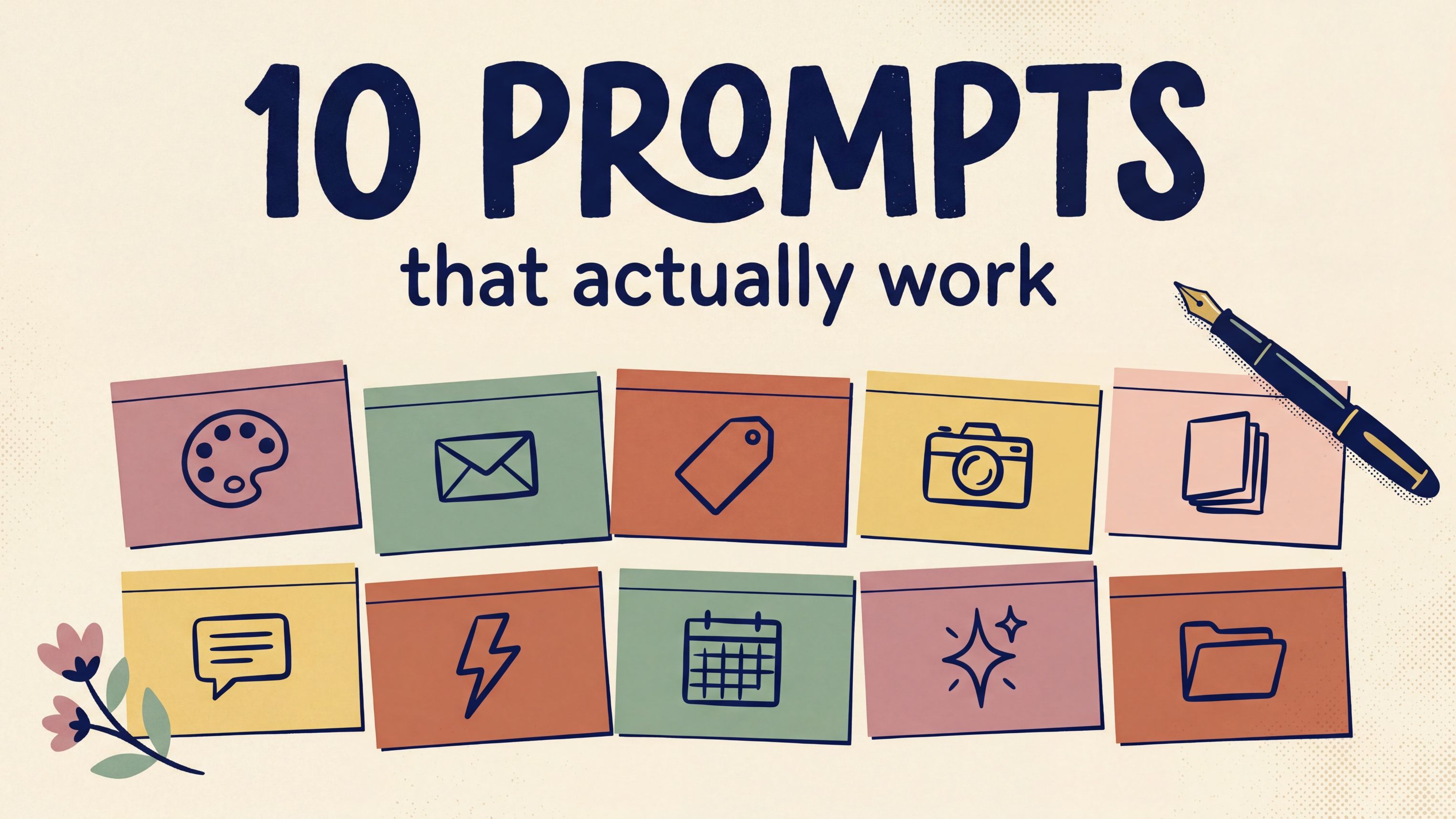
I put all 10 prompts into a free download — listings, content, outreach, collection planning, decision-making, SOPs, and a weekly business review.
Every prompt has fill-in-the-blank brackets so you can plug in your specifics. There's a pro tip with each one. And there's a weekly rhythm chart so you can stop guessing about which prompt to use when.
It's called 10 AI Prompts That Actually Work for Your Creative Business. It's free. It's the same prompts I walk my coaching clients through every week.
👉 Grab the free download here →
One more thing
If you're reading this and thinking, "I want to learn this stuff in a live build, not just from a PDF" - that's exactly what Creative Systems Lab is.
Live 90-minute build sessions, twice a month, where I walk you through using Claude to run the business side of your art. We don't just talk about prompts. We build the actual workflow live, together, and you leave with it working.
The first two sessions are completely free. One signup gets you both, and the replays and materials are yours to keep.
xo,
Mandy
P.S. — Want a weekly tip on art, tech, and creative business in your inbox? My Thursday Eduletter 3, 2, 1… Let's Design is free, weekly, no fluff. (And yes — written every week with the same system I'm teaching you here.)